Help Center
Unable to register MTPredictor
If you get the message “Unable to register MTPredictor, please check your username and password”, please see picture below:
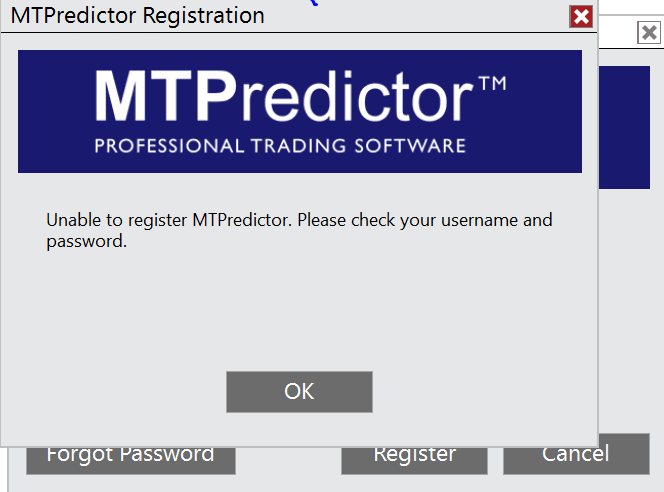
It may be that there has been a problem with the MTP Software licence check, so we first suggest re setting our MTP software licence on the affected PC.
To reset the MTP software licence on your PC, please follow the steps outlined in this Article: Reset Software Licence
Then open NinjaTrader 8 / MTPredictor Standalone, you should then be prompted to re enter your MTP software registration details.
Also, please make sure that you are on the latest build of the software, which can be downloaded from the Customers section of the website.
If that does not work, then it may be that you have exceed the 3 PC maximum limit. If this is the case, you can de-register one of your unused PC as shown in these helps videos, for the Standalone version or for the NT8 add-ons.
Note:
Please remember that the Software licencing uses a different (and independant) system to the website access, so can have different login details.
Note:
Please remember that although MTPredictor has automatic setups, we do not suggest that you just follow these blindly as if it were a black box mechanical system, judgement is needed in filtering the automatic setups, particularly with respect a clear larger degree trend. Each Trader must take responsibility for deciding on whether their own Analysis is clear and fits in with their own (personal and unique) Trading Plan.